
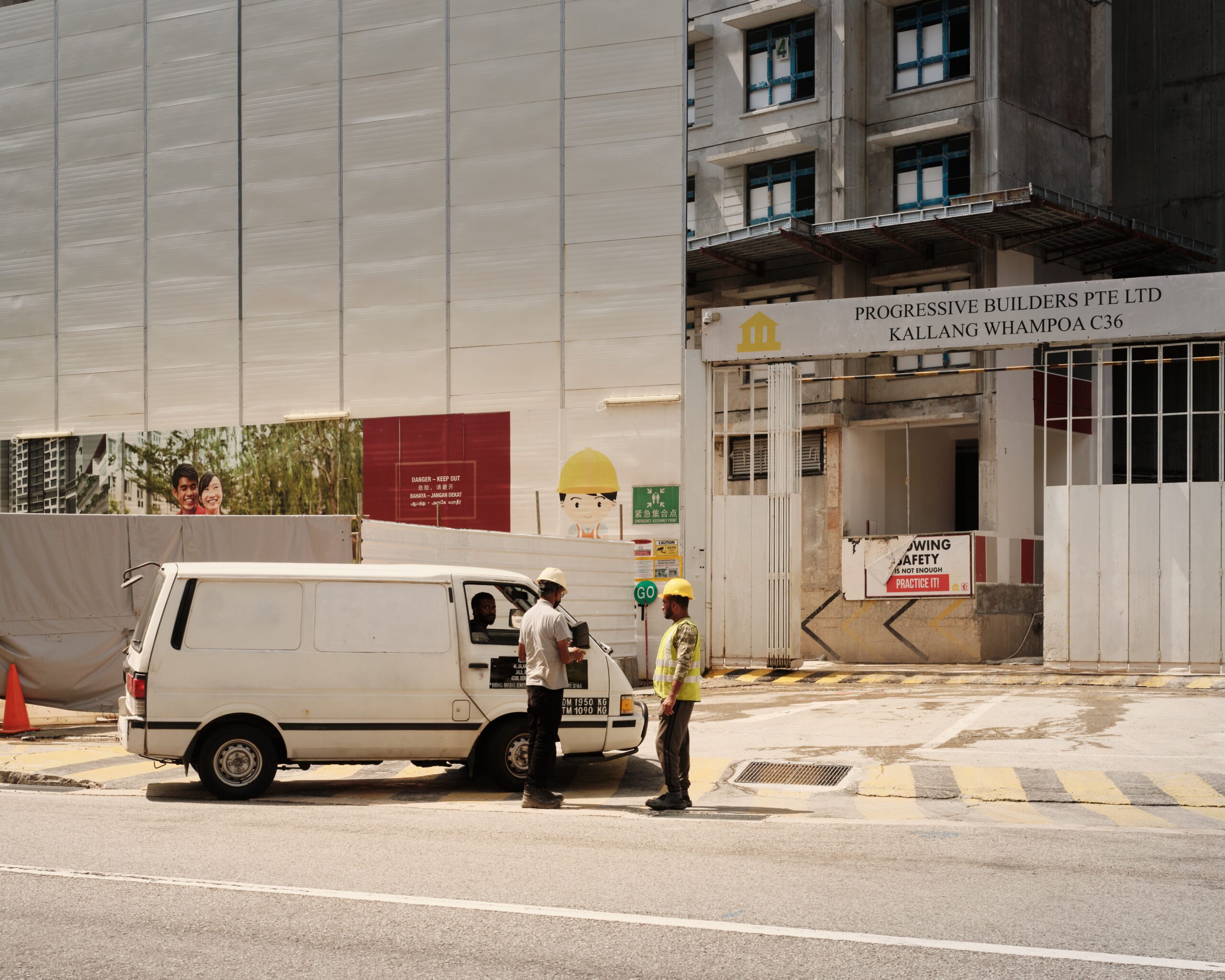
A work permit scanner Singapore employers can trust does one practical job: it reads the details printed on a worker’s pass accurately, so onboarding records start with correct data instead of hand-typed guesses. Construction firms, manufacturers, and facility operators register dozens or hundreds of foreign workers at a time, and every misread digit in a Work Permit number or a misspelt name creates rework later in attendance, payroll, and compliance reports. A work permit scanner Singapore sites use should therefore capture data quickly, but it also needs to sit alongside the official ways of checking whether a pass is valid.

Photo: CK Seng / Pexels
Why a Work Permit Scanner Singapore Employers Choose Must Not Replace Validity Checks
The Ministry of Manpower runs SGWorkPass, its official app for pass holders and for anyone who needs to verify a pass. MOM says validity can be verified by viewing the pass holder’s digital work pass or by scanning the QR code on the digital pass or the physical card with the app. If a pass shows as invalid, it has been cancelled or has expired. MOM also provides a separate online service for checking work pass and application status.
That distinction shapes how a scanner should be used. OCR reads what is printed on a card. It does not know whether the pass was cancelled yesterday. A sensible workflow uses the scanner to capture identity and pass details cleanly, then relies on MOM’s official tools for validity.
5 Ways a Work Permit Scanner Singapore Sites Deploy Cuts Onboarding Errors
1. It captures card details without retyping
Sinosecu’s ID document OCR includes the Singapore Work Permit in its list of supported documents, alongside the Singapore ID card and Singapore driving licence. Fields are extracted automatically and returned as structured data, so staff confirm values instead of typing them.
2. It scans quickly at a registration desk
Sinosecu’s A6 flatbed scanners are built for document-heavy desks. The AVA6 Plus2 is described as handling up to 1,000 documents a day, and the B660+ is listed at roughly 3 seconds per sheet. For a site registering a new batch of workers, that speed matters more than any individual specification.
3. It handles passports in the same workflow
New hires usually carry passports as well as passes. Sinosecu’s passport readers use OCR and machine-readable-zone reading under ICAO 9303 and recognise more than 80 document types and passports from more than 200 countries, so one desk can capture both the pass and the passport.
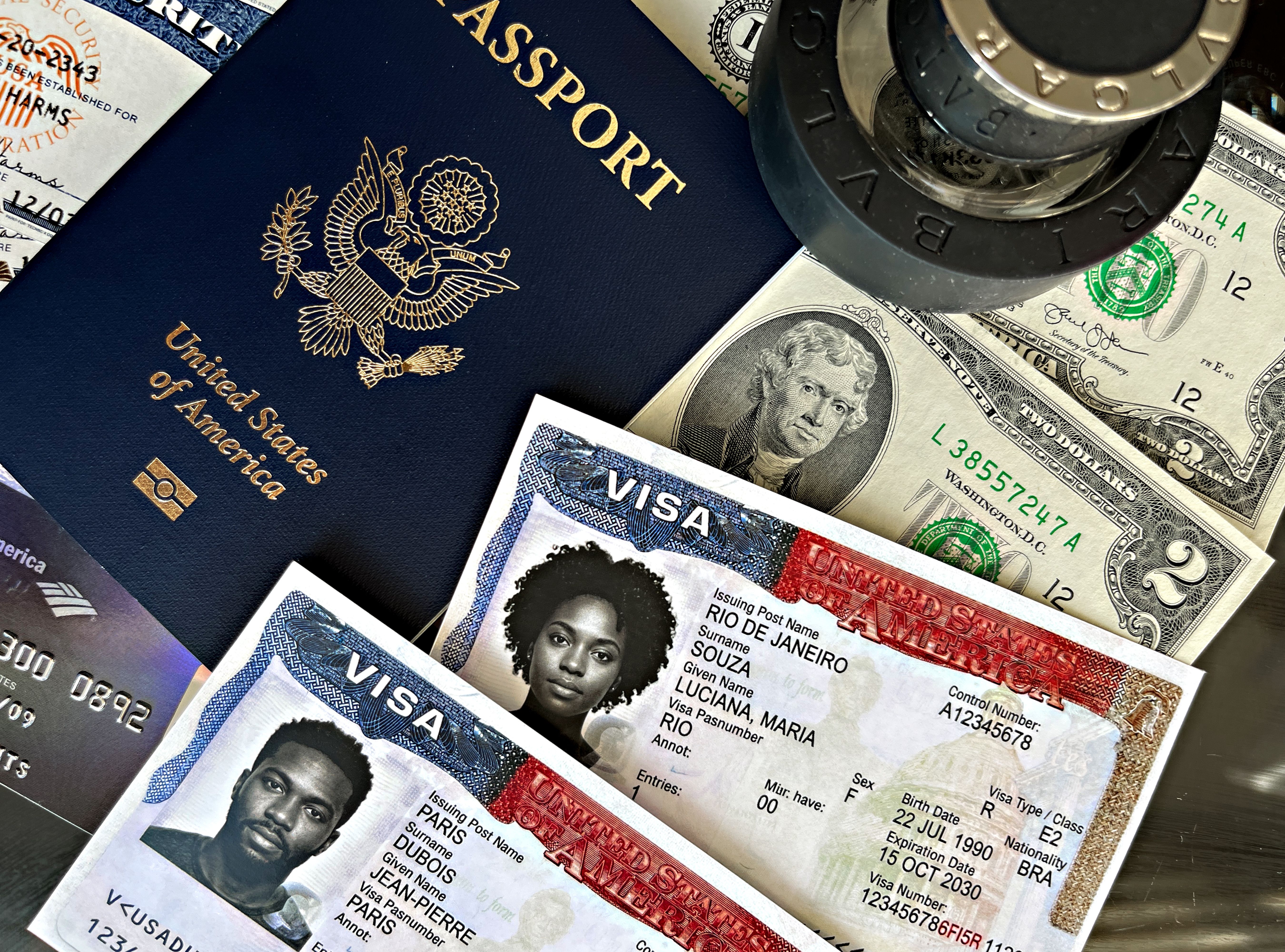
Photo: DΛVΞ GΛRCIΛ / Pexels
4. It feeds the systems that follow onboarding
Clean registration data is only useful if it flows into attendance, access control, and reporting. Collie’s worker, staff and visitor management and ePSS and BAS compliance modules sit within the same platform as access control, so the details captured at registration can be matched to the biometric and attendance records that follow. Confirm with the team how scanned data reaches each module in your set-up.
5. It leaves an audit trail
Each scan can store the extracted fields and the document image with a timestamp. When a record is questioned months later, the original capture is easier to retrieve than a handwritten registration sheet.
PDPA: Collect Only What You Need
Worker identification data is sensitive. The Personal Data Protection Commission publishes guidance on NRIC and other national identification numbers, which limits when organisations may collect, use, or retain such numbers and copies of identity documents, with exceptions where required by law or where it is necessary to establish identity to a high degree of fidelity. Check how that guidance applies to the numbers on the passes you scan. Practical steps include:
- Store only the fields your process needs, not every image by default.
- Limit who can view worker records and keep an access log.
- Set a retention period and delete data when it is no longer required.
- Choose where data is processed; Sinosecu’s SDK listings mention on-premise deployment on Windows, Linux, and Android.
Photo: Annas Zakaria / Pexels
What to Check Before Buying a Work Permit Scanner Singapore Teams Will Rely On
- Document coverage: confirm that the exact pass types you handle are read correctly, and test with real cards, including worn ones.
- Speed at peak times: measure throughput when a whole crew registers at once.
- Integration: ask for an SDK or connector for your attendance, access control, or HR system.
- Validity workflow: decide who checks SGWorkPass or the MOM service and when.
- Data handling: ask where data is stored, how long it is kept, and who can see it.
- Local support: a stuck scanner on a Monday morning intake is a real cost.
Frequently Asked Questions
Can a scanner tell me if a work permit is still valid?
No. A scanner reads printed details. Validity should be checked through MOM’s SGWorkPass app or its online status service.
Does the scanner work for other documents at the same desk?
Yes. Sinosecu lists support for passports, the Singapore ID card, and the Singapore driving licence in addition to the Work Permit, though you should test the specific documents you handle.
Is it suitable for construction sites with a biometric system?
Yes, as a registration step. The scanner captures document details, and a biometric authentication system handles daily entry and attendance. See our guide to a biometric authentication system for Singapore worksites.
Test a Work Permit Scanner on Your Own Cards
The best proof is a trial with your own workers’ documents. Explore the range on the official Sinosecu website, then speak with the Collie team about a demonstration, integration with your worker management workflow, and options for a work permit scanner Singapore operations can run on-site. You may also like our guide to a passport scanner for Singapore hotels.
Explore worker, staff and visitor management →
See Collie for construction sites →