
Use Cases · Case Study

Offices

An office building can see hundreds of visitors a day, on top of every staff member coming and going. Here’s how four Collie modules combine into one system across a typical office deployment — cardless, mostly contactless, and fully logged.

The Site

Hundreds of people, one front door

A busy office building runs on a constant flow of staff, visitors, and vehicles — often hundreds of people a day through the same lobby and carpark. Rising expectations around contactless access, sustainability, and efficient use of space mean a manual front desk and a paper visitor log no longer keep up.


This is the profile Collie is built for: streamlining the flow of people while keeping a full, searchable record of who came through and when.

The challenge

What was breaking down before

Manual sign-in didn't scale

With hundreds of visitors a day, a front-desk sign-in sheet meant queues and a receptionist buried in registration.

Cards and carpark barriers, disconnected

Door access, carpark entry, and attendance ran as separate systems, so nothing built into a single picture of who was on site.

Space usage was a guess

Without real occupancy data, planning how much office space was actually needed came down to impressions, not evidence.

The Deployment

Four modules, one system

Each module runs independently, but all four report into the same Collie dashboard.

Cardless Access & Facial Attendance

Staff self-register once, get manager approval, and from then on use just their face for the office door, the carpark barrier, and the daily attendance record.

Visitor Management

Visitors self-register remotely with a QR code, a selfie, and their car plate if driving — approved and assigned to specific areas before they even arrive.

Space & Security Surveillance

Cameras in server and R&D rooms flag strangers and intrusions, while crowd detection and people counting — paired with beacons — reveal how office space actually gets used.

Air Quality & Smart Building

Sensors around the office track air quality against building standards, with thresholds that can trigger a purifier or adjust air conditioning automatically.

Sense. Decide. Act.

The same loop that runs across all of Collie, applied to one construction site.

01

Sense

Cameras and worker beacons report continuously — PPE status, worker positions, and who’s just entered a restricted zone.

02

Decide

Each module applies its own rules — a missing helmet, an expired visitor pass, a human presence after hours.

03

Act

Alerts reach the right supervisor immediately, and everything — from every module — lands in one dashboard instead of four.

What a building actually gains

Not a single big number — a set of daily improvements for staff, visitors, and facilities alike.

Front Desk

No more queues

Self-registration and facial access mean fewer people waiting to be manually checked in.

Access

One face, everywhere

Door, carpark, and attendance all recognise the same registered identity.

Space

Decisions backed by data

Occupancy trends replace guesswork when planning floor layout and desk allocation.

Comfort

Air quality on autopilot

Purifiers and air conditioning respond to actual readings instead of running on a fixed schedule.

Personal data, handled deliberately

Facial data captured for visitor self-registration — such as the selfie used for recognition — can be configured to be removed from storage on your own schedule, whether that’s at the end of the day or immediately after a visitor exits, in line with your data protection obligations.

A presence in the lobby, not just at the gate

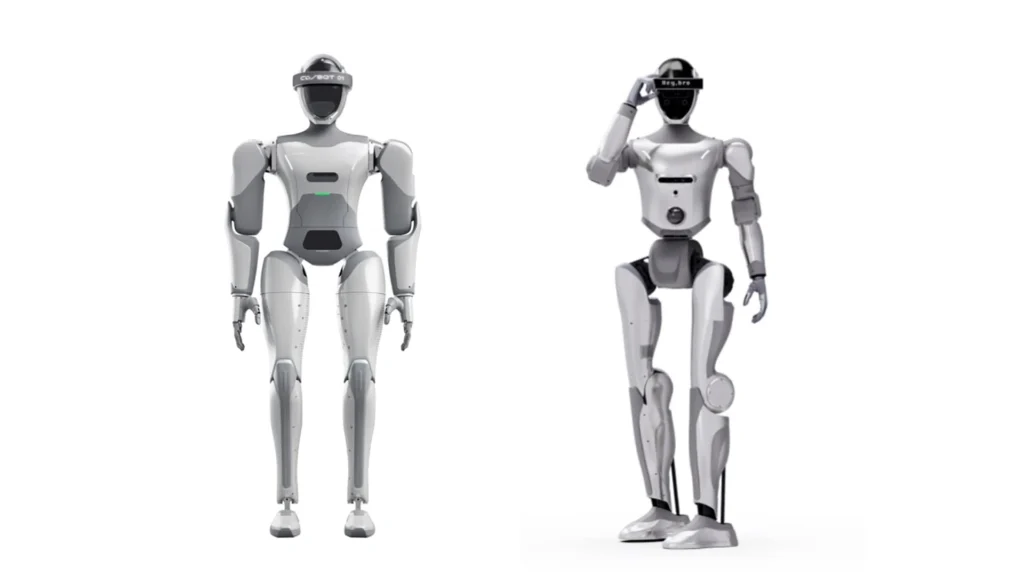
On larger campuses, a Collie robot can greet visitors in the lobby, help with wayfinding, or patrol common areas after hours — carrying the same access and surveillance modules already running on fixed hardware.

See this combination in your own building

Tell us about your building — what you’re already running, and what still feels like a blind spot — and we’ll map out which modules fit.